
MX1 · Portable Desktop Audio Hub

One Hub.
More Ways
to Listen.

A Compact Wireless Digital Hi-Fi Hub

Bring your computer, TV, phone, and digital audio sources into one flexible desktop setup. HIDIZS MX1 combines wireless reception, multiple digital inputs, headphone amplification, variable RCA pre-out, and optical/coaxial digital outputs in one compact aluminum-alloy hub.

Bluetooth 5.4LDAC & aptX family
Four Digital InputsWireless + wired sources
Dual Headphone Outputs4.4mm balanced / 6.35mm
Variable RCA Pre-OutFor powered speakers
Optical + Coaxial OutDigital audio forwarding
24-bit / 96kHzBluetooth audio · up to
523mW4.4mm balanced · @ 32Ω
1.3-inch IPS240 × 240 · non-touch
85 × 134 × 49.5 (mm)Compact aluminum-alloy body
01 · The Solutions

Your Audio Setup
Shouldn't Be Complicated.

More sources. More gear. More connections to manage.

A conventional desktop DAC/amp usually converts an input signal and sends it to headphones or speakers. MX1 adds more ways to connect and route your audio.

Scenario 01

Desktop Listening

A compact desktop control center for gaming, work, music and everyday listening.

Connection diagram: PC or Mac connects to HIDIZS MX1 over USB, with headphone and active-speaker output options.
Scenario 02

TV Night Session

Keep your TV connected to headphones/IEMs, speakers, or another digital device without reworking your setup.

Connection diagram: TV connects to HIDIZS MX1 through optical input, with headphone, RCA speaker and digital output options.
Scenario 03

Wireless Playback

Stream wirelessly when you want convenience, while keeping the same desktop listening chain.

Connection diagram: a compatible phone connects wirelessly to HIDIZS MX1 over Bluetooth, with headphone and active-speaker output options.
Scenario 04

Disc or Transport Source

Add a dedicated digital source to your system without extra clutter.

Connection diagram: a CD transport connects to HIDIZS MX1 through coaxial input, with headphone and active-speaker output options.
02 · More Than a DAC/Amp

One Device. A More Flexible Desktop Audio Setup.

MX1 is more than another DAC/amp. It is a central connection point designed to organize your listening around one compact desktop system.
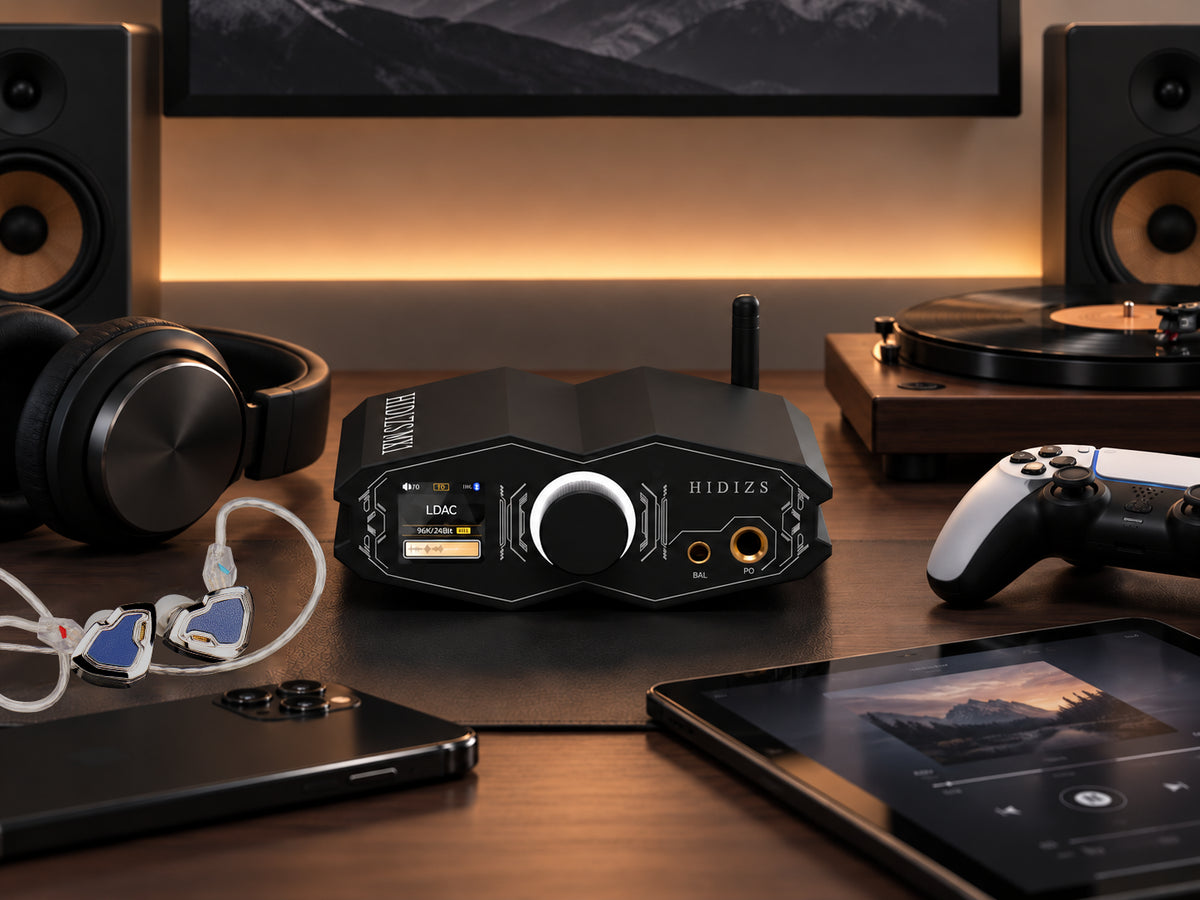
HIDIZS MX1 product render

Bring your sources and listening options together.

MX1 brings common sources—including Bluetooth, USB audio, optical, and coaxial inputs—into one compact device. It combines DAC conversion, headphone amplification, RCA analog output, and optical/coaxial digital outputs in a metal chassis designed to sit neatly on your desk.

01
Centralized desktop audio

Keep your core listening connections organized around one unit.

02
Flexible source handling

Move between wireless and wired digital sources with one device.

03
Direct front-panel control

A large dial and 1.3-inch IPS display keep key settings within reach.

03 · Flexible Audio Routing

Connect the Sources You Use.
Choose How You Listen.

MX1 does more than receive a digital source and send it to headphones. Alongside headphone and analog speaker output, it can pass supported digital audio onward through optical and coaxial outputs.

Wireless In
Bluetooth 5.4

LDAC, aptX HD, aptX LL, aptX, AAC, SBC

Digital In
USB Audio

Computer or compatible USB audio source

Digital In
Optical / Coaxial

TV, CD transport, or another digital source
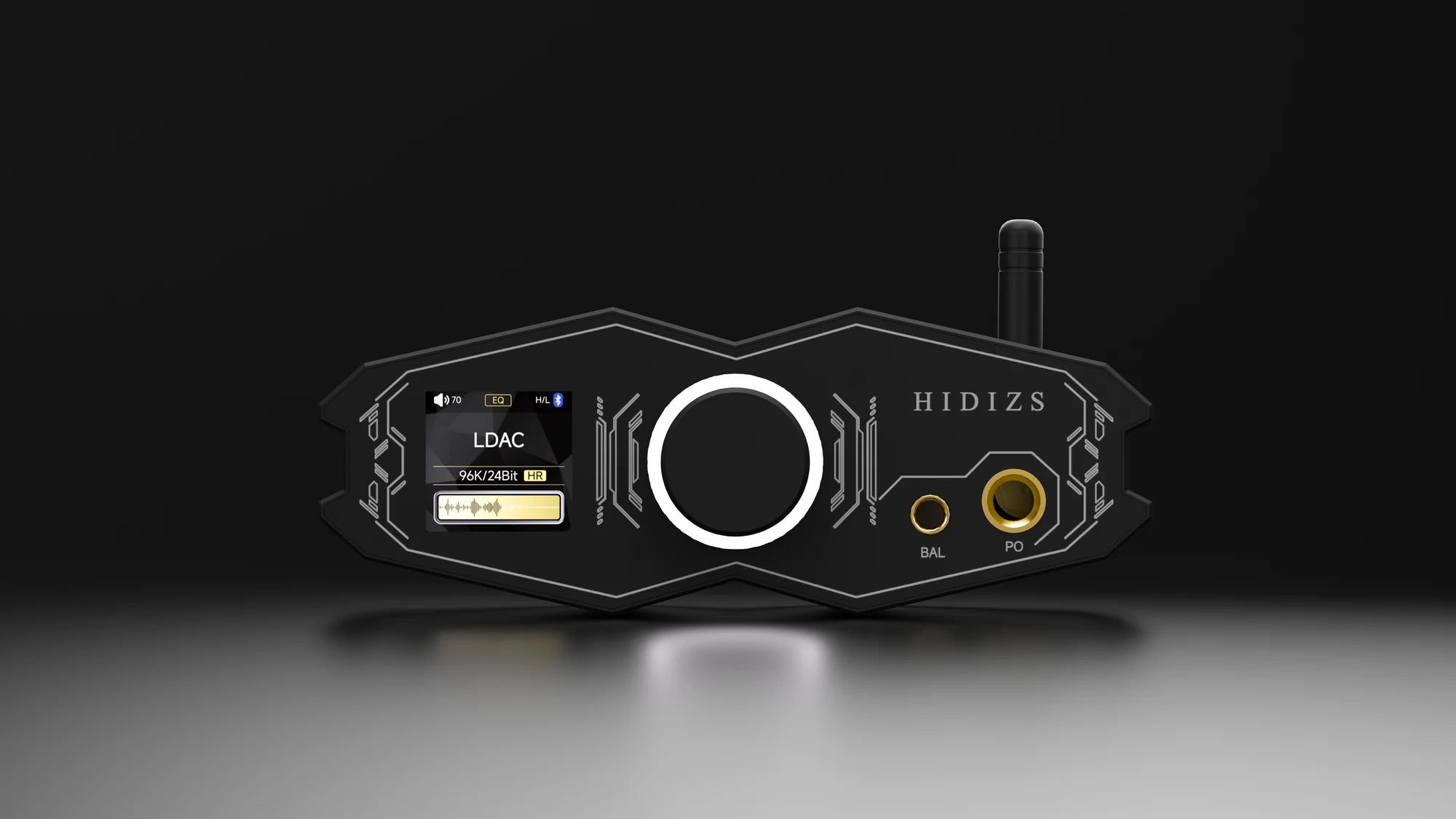
MX1 front panel renderHIDIZS MX1DAC conversion · Headphone amplification · Analog pre-out · Digital outputs
Headphone Out
4.4mm Balanced

For compatible balanced headphones

Headphone Out
6.35mm Single-Ended

For classic desktop headphone connections

Speaker / Digital Out
RCA · Optical · Coaxial

Connect powered speakers or send supported digital audio onward
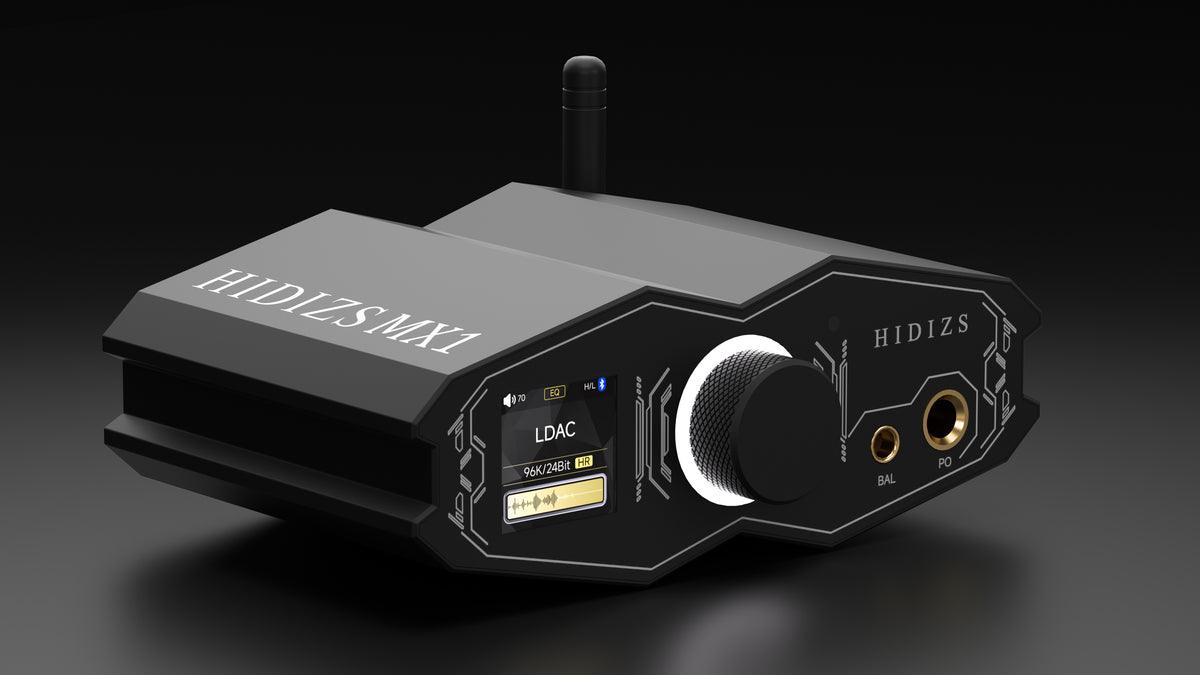
MX1 front view showing display and headphone outputs
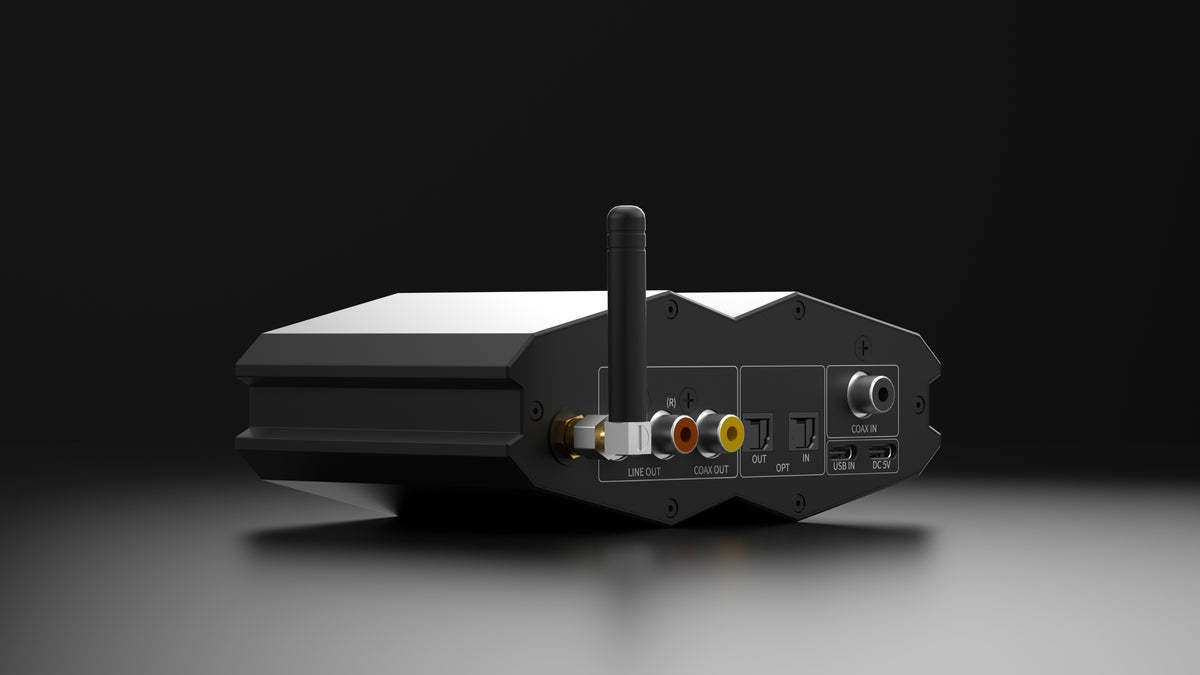
MX1 rear view showing input and output connections
Output combinations matter: MX1’s digital outputs can operate alongside headphone output. For simultaneous RCA pre-out and headphone listening, the 6.35mm single-ended output is recommended.
04 · Digital Audio Forwarding

Your audio doesn’t have to
stop at MX1.

MX1 can pass a supported digital signal onward through its optical or coaxial output to compatible audio equipment. This can help integrate an external DAC or another digital component into your setup.

Wireless → DigitalPhone→Bluetooth→MX1→Coaxial Out→External DAC
Computer → DigitalPC/Mac→USB Audio→MX1→Optical Out→Digital Audio Device
05 · Listening Scenarios

Your Setup. Your Sources.
Your Way to Listen.

From desktop work and TV viewing to wireless music and a dedicated digital source, MX1 can act as the common connection point for your everyday listening.
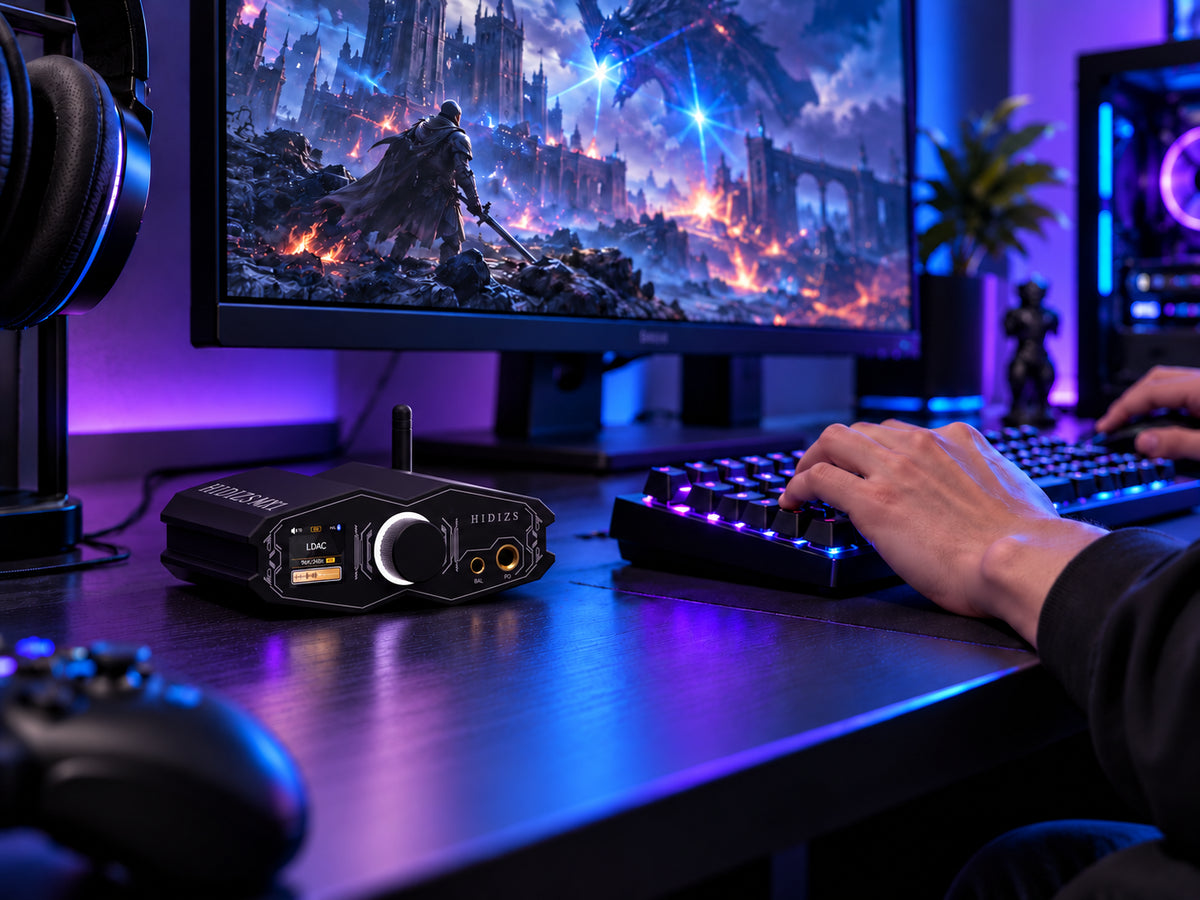
MX1 on a desk alongside a phone and desktop audio equipment
Scenario A

PC / Mac Desktop Listening

Connect a computer or any compatible device over USB audio, then plug in your headphones. Keep work, gaming, streaming, and personal listening inside one cleaner setup.
PC / MacUSB AudioDAPHeadphonesUp to 24-bit / 48kHz
MX1 rear connections in a desktop listening setup
Scenario B

TV Viewing with Headphones

Bring a TV or another optical output source into MX1 for private late-night listening, without building a separate audio chain around the TV or another device.
TVOptical InMX1HeadphonesUp to 24-bit / 96kHz
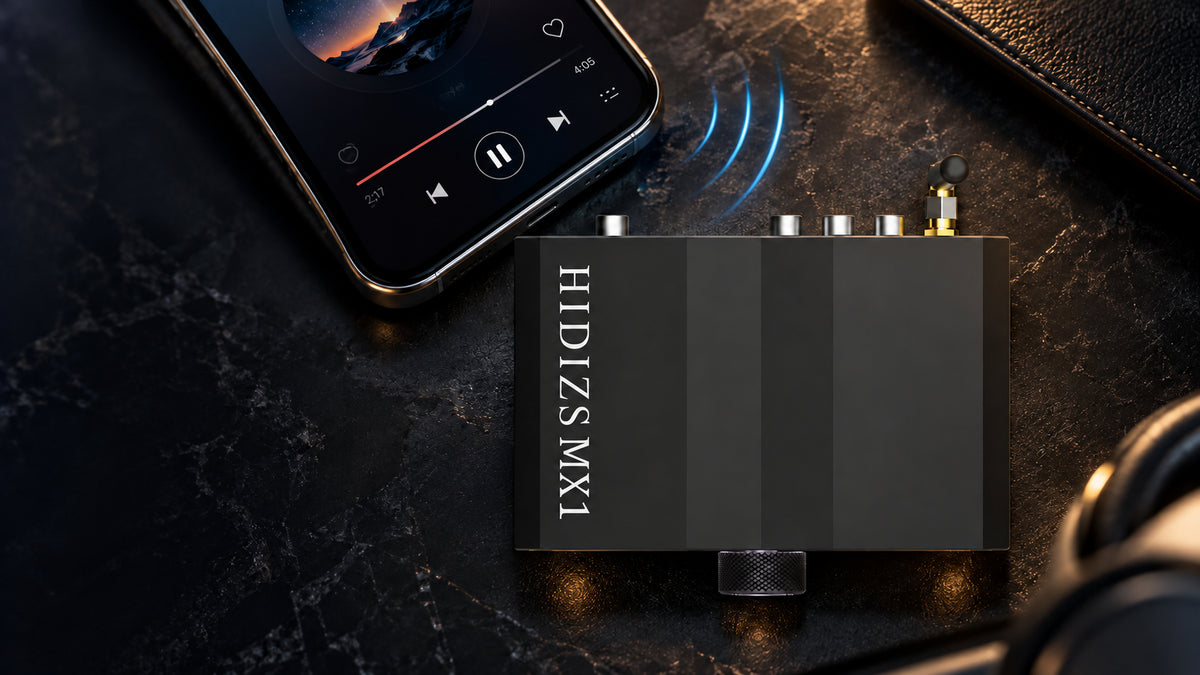
Phone beside MX1 for wireless music listening
Scenario C

Wireless Music from a Phone

Send music from a compatible phone or tablet via Bluetooth, then listen through desktop headphones or a supported speaker setup.
PhoneBluetoothPCHeadphones / SpeakersUp to 24-bit / 96kHz
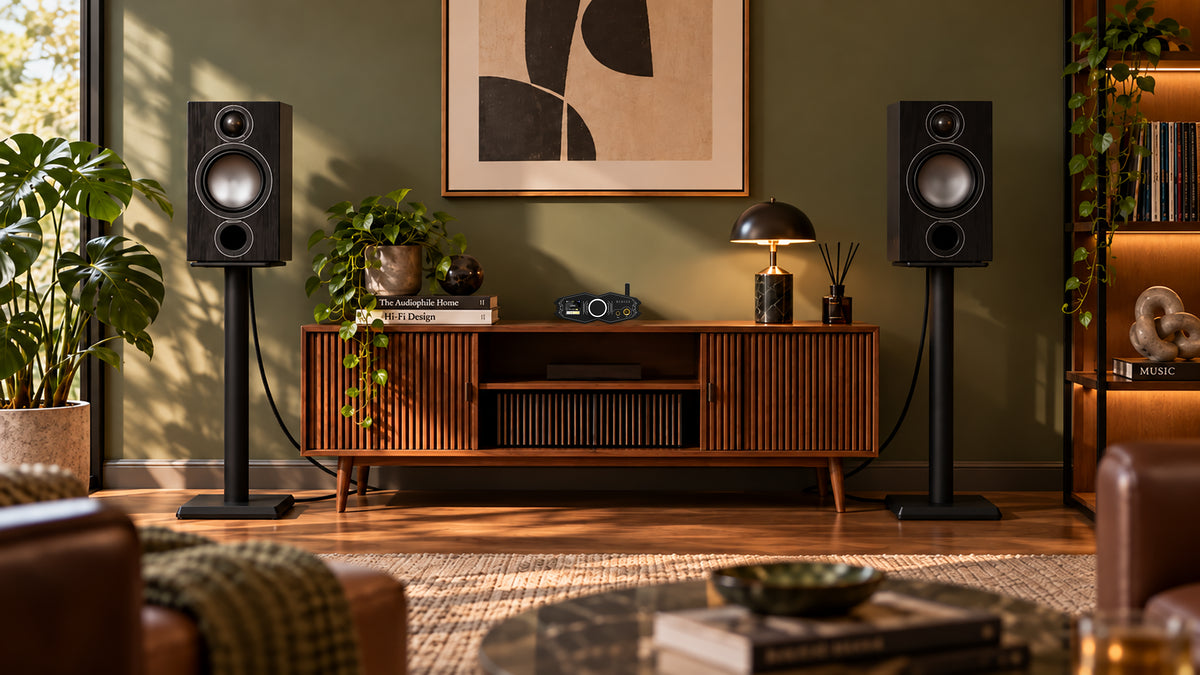
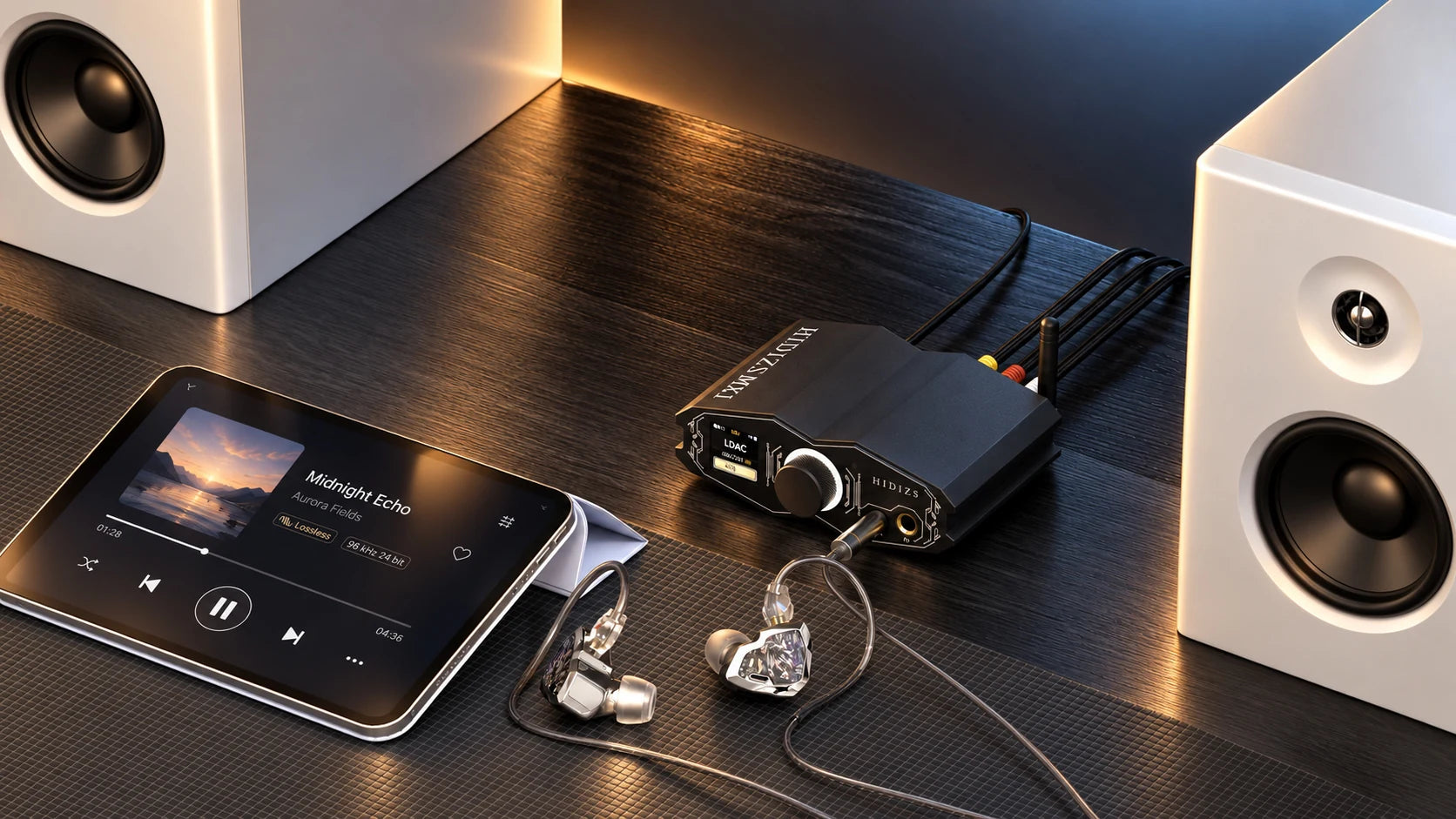
Compact desktop audio system with speakers and mobile device
Scenario D

Build Around Your Existing Gear

Connect powered speakers through RCA, or integrate a compatible digital source through optical or coaxial input—using the connection that suits your setup.

CD TransportCompatible Coaxia Digital SourceOptical / CoaxialSelected OutputUp to 24-bit / 192kHz
06 · The Details That Make the Difference

Flexible Connections.
Thoughtful Hardware.

MX1 combines multiple digital inputs, headphone amplification, analog speaker output, and digital outputs in a compact desktop chassis. Here is how the hardware supports everyday use.
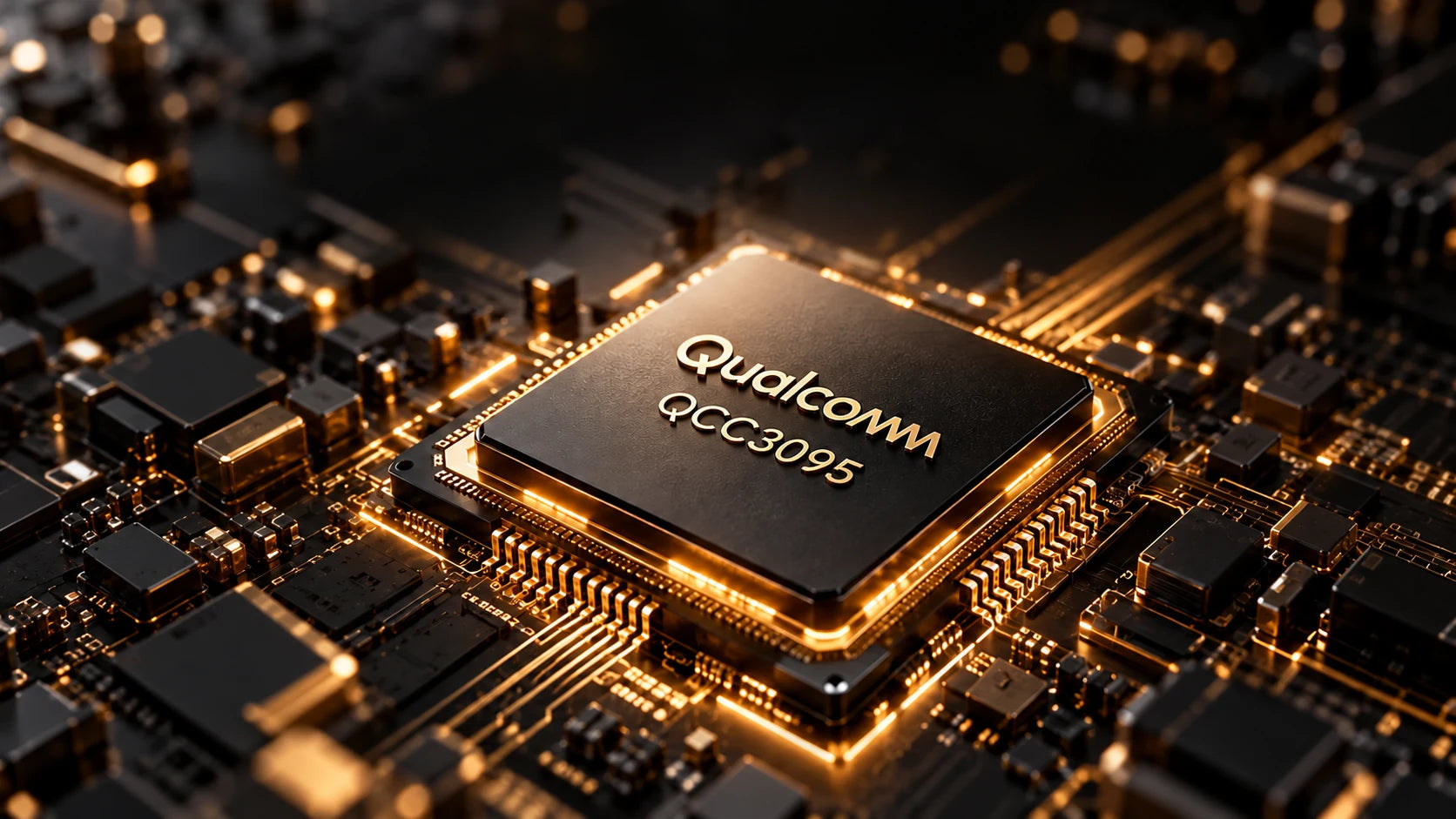
Qualcomm QCC3095 Bluetooth chipset close-up
Wireless

Bluetooth 5.4

Receive audio from compatible phones and tablets. Supported codecs include LDAC, aptX HD, aptX Low Latency, aptX, AAC, and SBC.
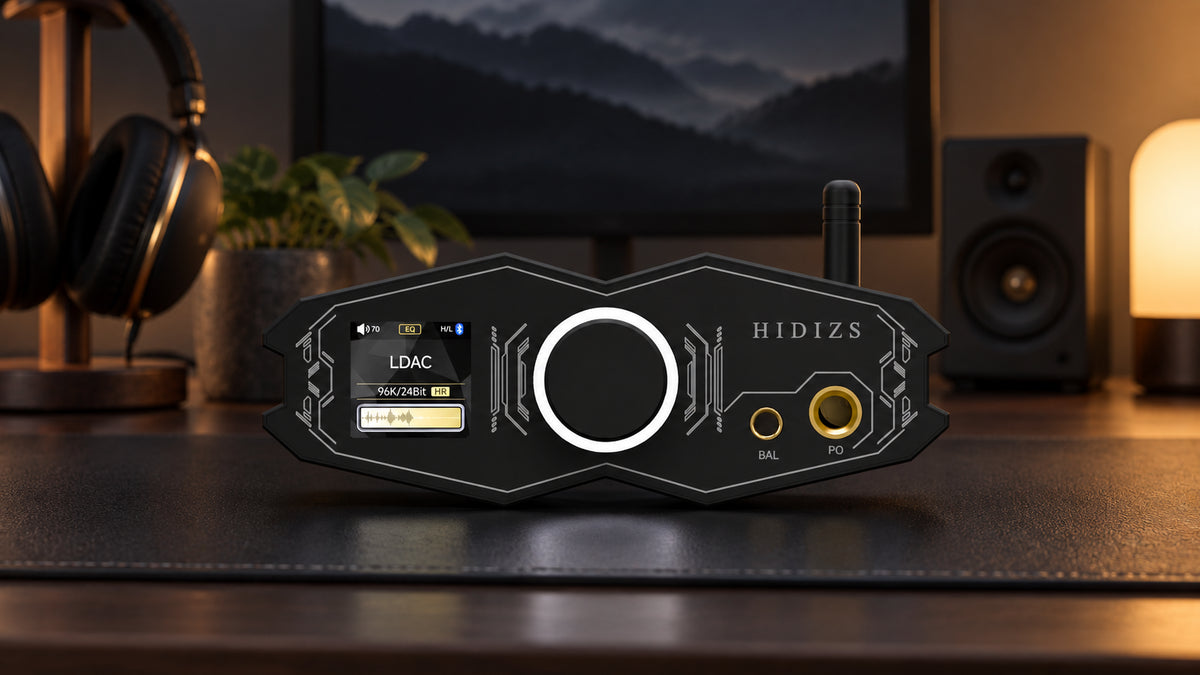
MX1 front panel, display, and volume dial
Control

1.3-inch IPS Display

A non-touch 240 × 240 display presents key status information, with direct front-panel control through the large dial.
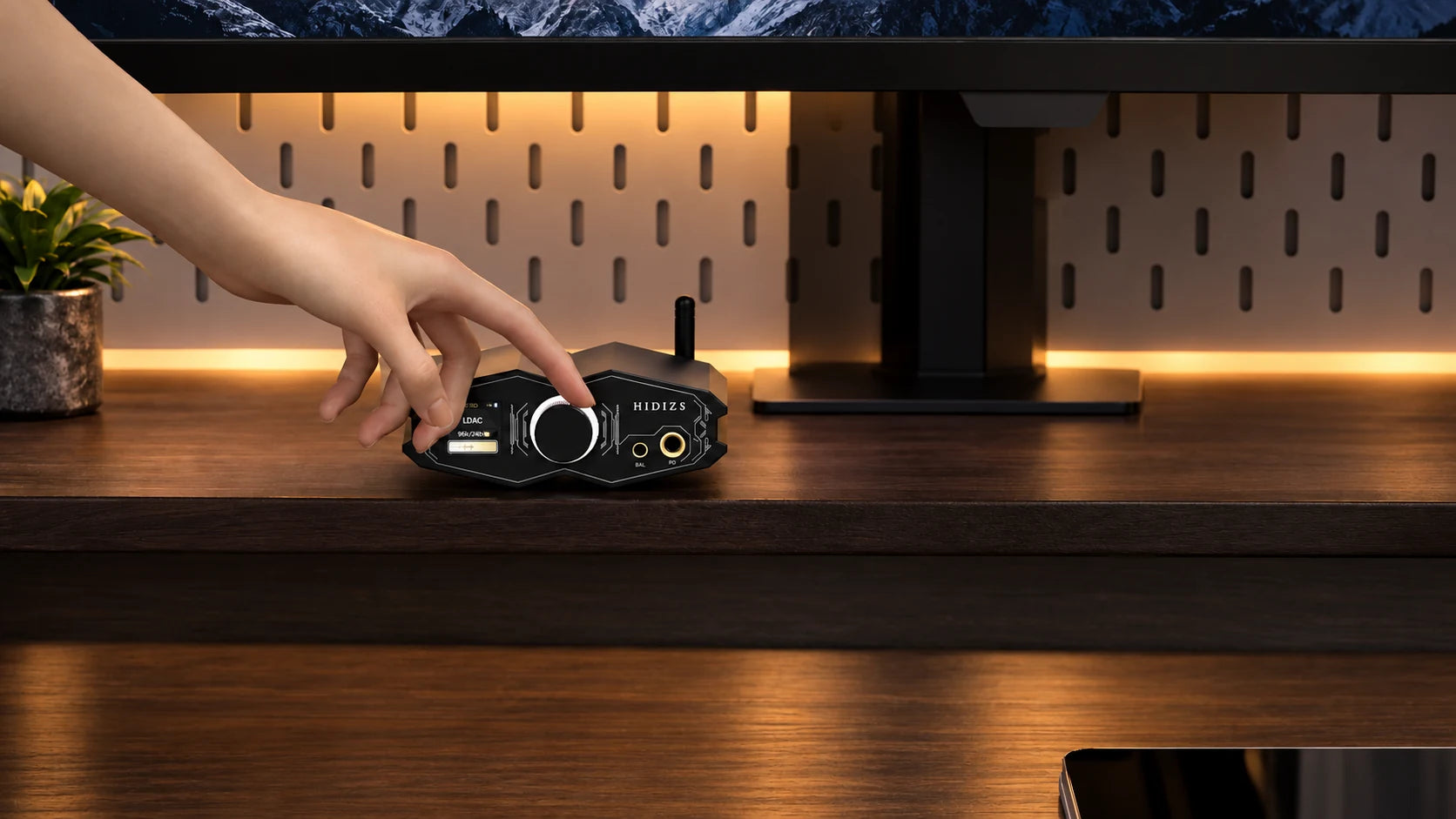
Hand adjusting the MX1 front control dial
Everyday Use

Hands-On Operation

Adjust settings from the front panel, with an included infrared remote for convenient control from your listening position.
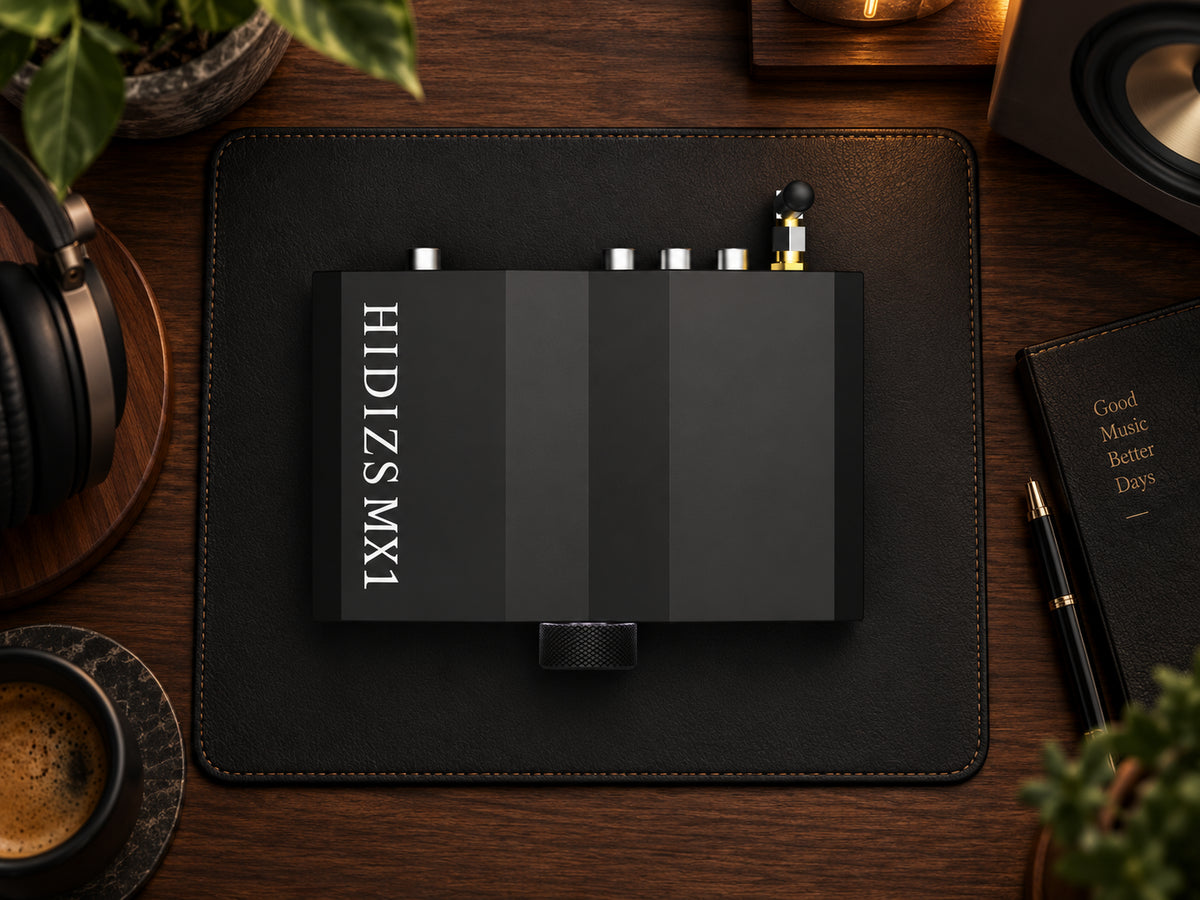
MX1 used with headphones on a desktop
Headphone Amplification

Dual RT6863D Architecture

Balanced 4.4mm and single-ended 6.35mm headphone outputs provide options for different desktop headphones.
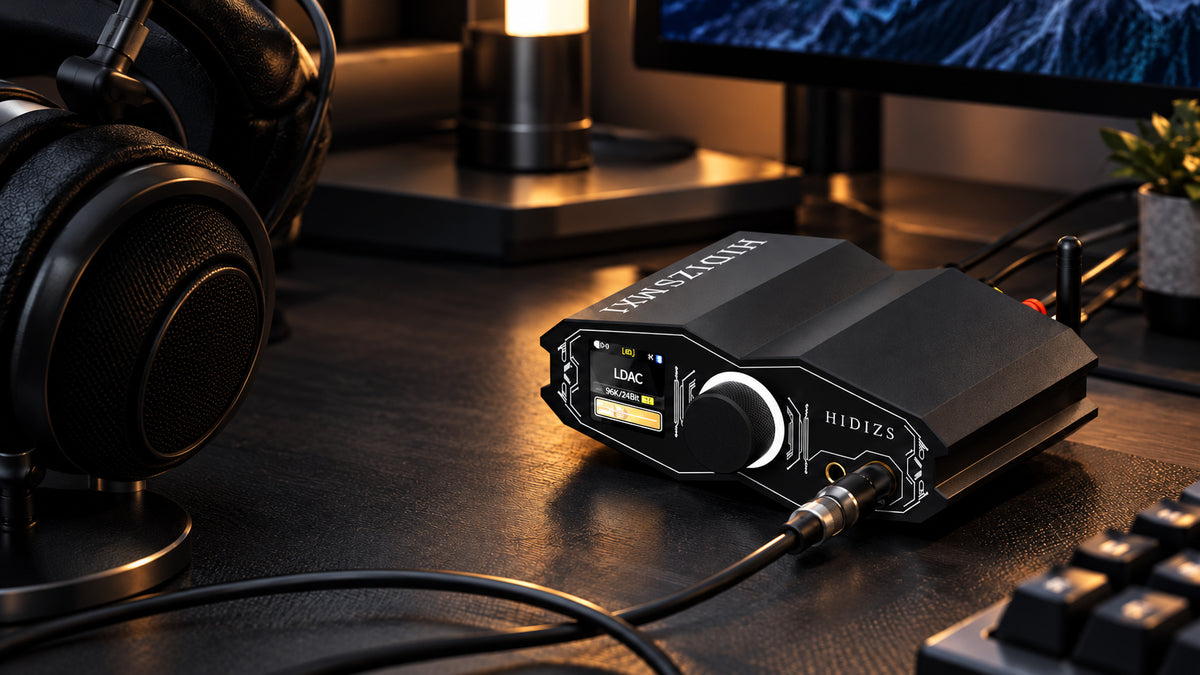
Powered speakers in a desktop audio setup
Analog Output

Variable RCA Pre-Out

Connect active speakers or an external power amplifier and manage the output level from MX1.
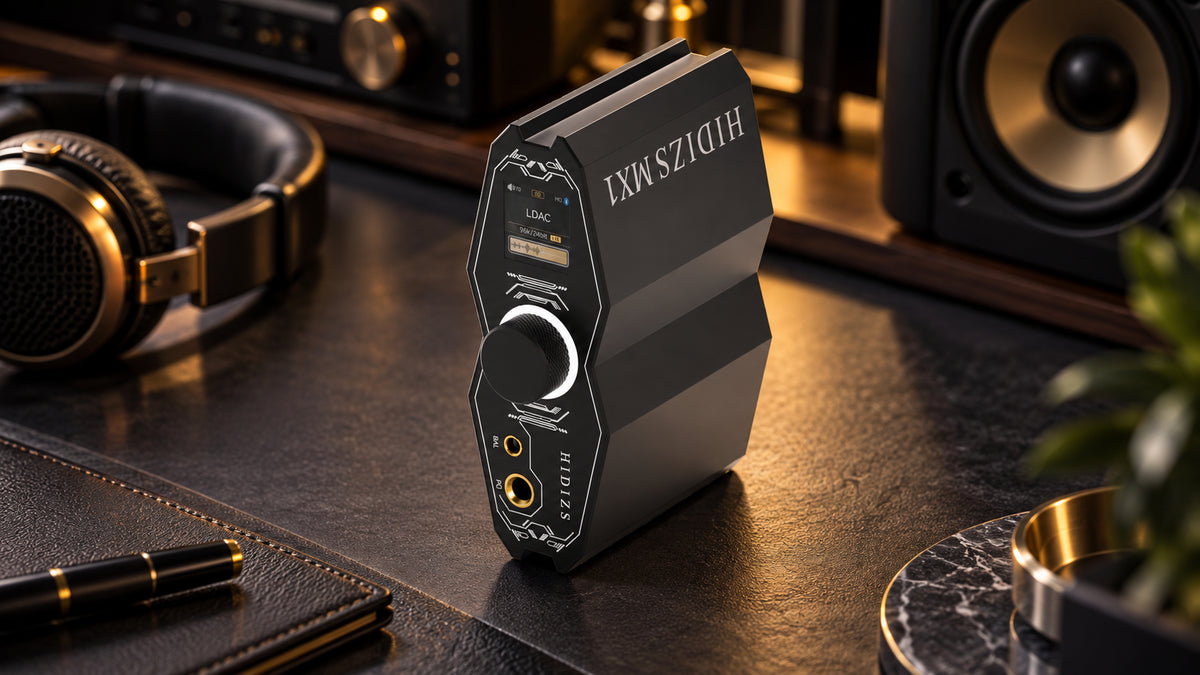
HIDIZS MX1 aluminum chassis detail
Build

Compact Aluminum-Alloy Chassis

An angular metal enclosure gives MX1 a solid, understated presence on the desktop.

Five Built-In EQ Presets

Choose between five preset sound profiles when using USB or Bluetooth input—or switch EQ off for the default presentation.

CountryJazzClassicalPopBluesEQ Off

EQ is available with USB and Bluetooth inputs only. User-created EQ presets are not supported.
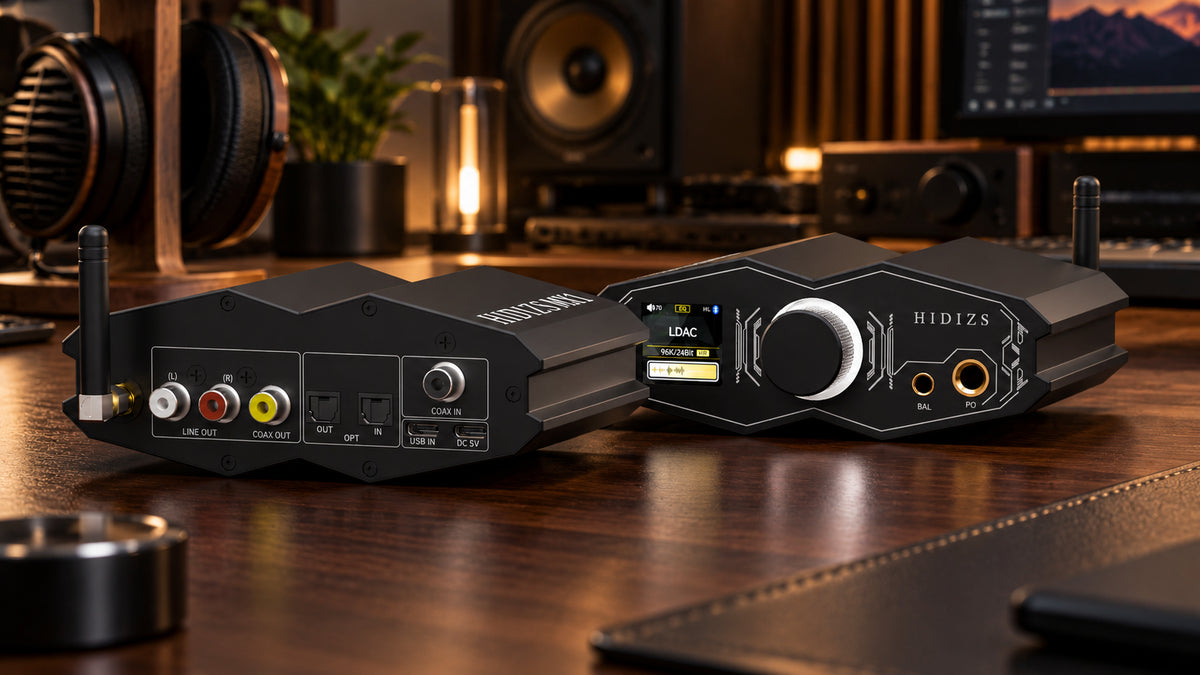
MX1 in a modern desktop listening environment
07 · Bluetooth 5.4 · Hi-Res Wireless

Hi-Res Wireless.
Without Another Cable to Your Source.

With the Qualcomm QCC3095 platform and Bluetooth 5.4, MX1 receives audio wirelessly from compatible phones and tablets. Supported codecs include LDAC, aptX HD, aptX Low Latency, aptX, AAC and SBC.

LDACaptX HDaptX Low LatencyaptXAACSBC

Multipoint supports up to two devices. MX1 remembers up to two paired devices and reconnects to the last connected device in approximately five seconds. Codec availability and wireless range depend on the source device and environment.
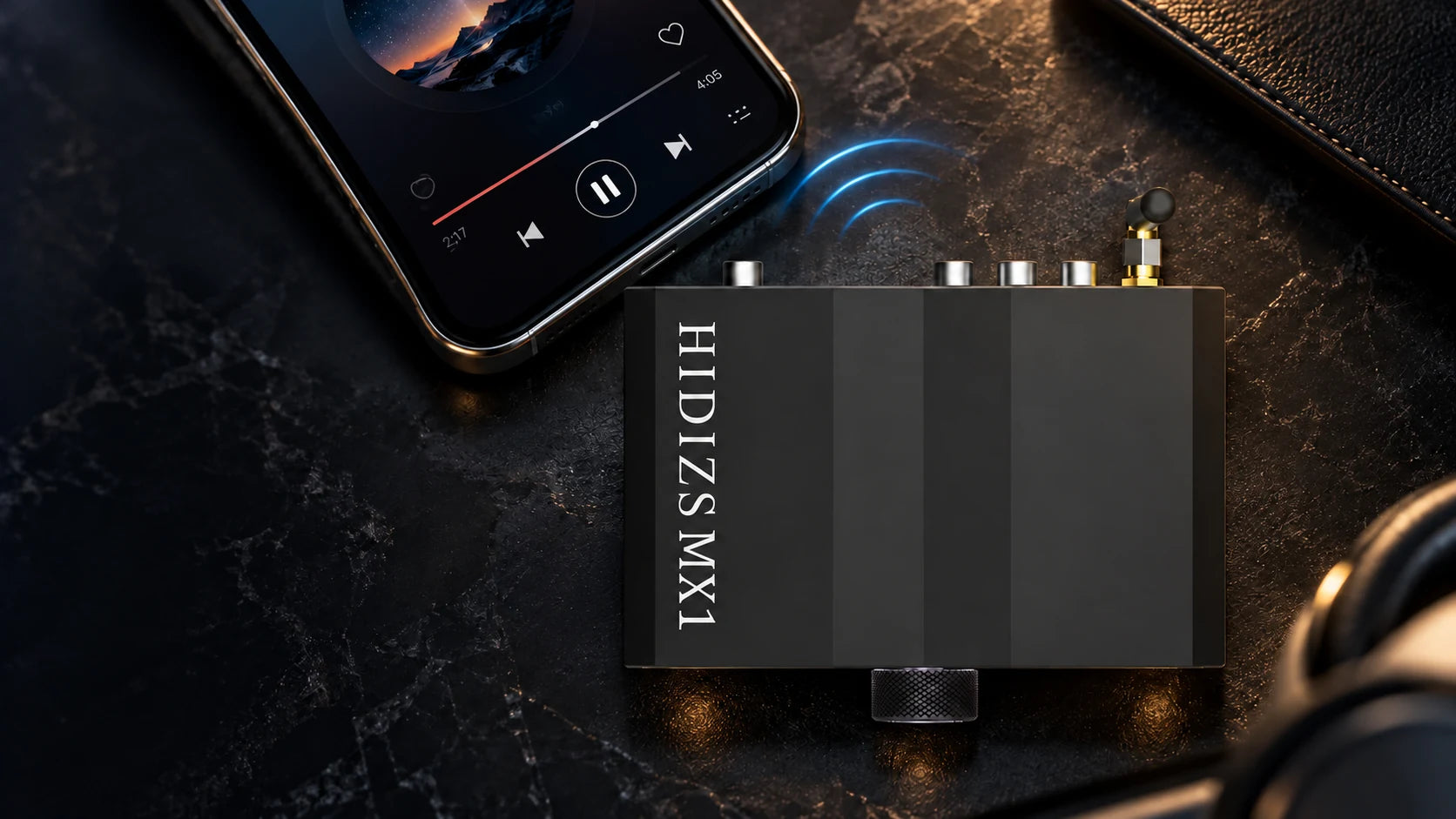
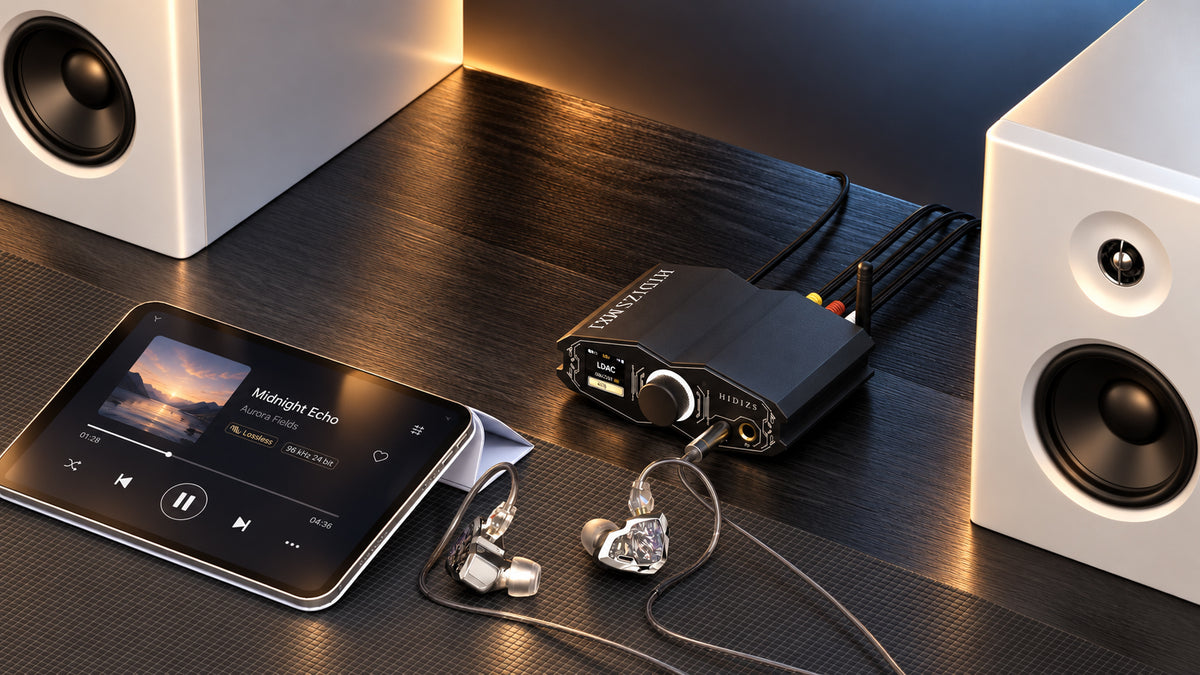
Wireless audio source beside HIDIZS MX1
24-bit / 96kHzBluetooth audio · up to
2 devicesMultipoint support
HIDIZS MX1 front panel with display, control dial and headphone outputs
4.4mm Balanced · 6.35mm Single-Ended
08 · Headphone/IEMs Amplification

Choose the output
that fits your setup.

A dual RT6863D headphone amplifier architecture supports two headphone connections: 4.4mm balanced and 6.35mm single-ended. Use the output that matches your cable and listening setup.

4.4mm Balanced
523mW

Maximum output at 32Ω

4.091Vrms · SNR 124dB
THD+N 0.0012% · 0.6Ω output impedance
6.35mm Single-Ended
130mW

Maximum output at 32Ω

2.04Vrms · SNR 120dB
THD+N 0.0012% · 0.3Ω output impedance

Output-power measurements were taken at a 32Ω load using USB input at 44.1kHz. Results can vary with source, load, gain setting and output configuration.

09 · Display & Everyday Control

See the Playback Status.
Keep Control Close.

The 1.3-inch, 240 × 240 IPS colour display presents playback information such as sample rate, bit depth, codec, volume, gain, output and EQ. A large front-panel dial gives you direct access to everyday operation, while the included infrared remote adds basic control from your seat.

Automatic screen orientation, five brightness levels and saved settings help keep your preferred setup ready.
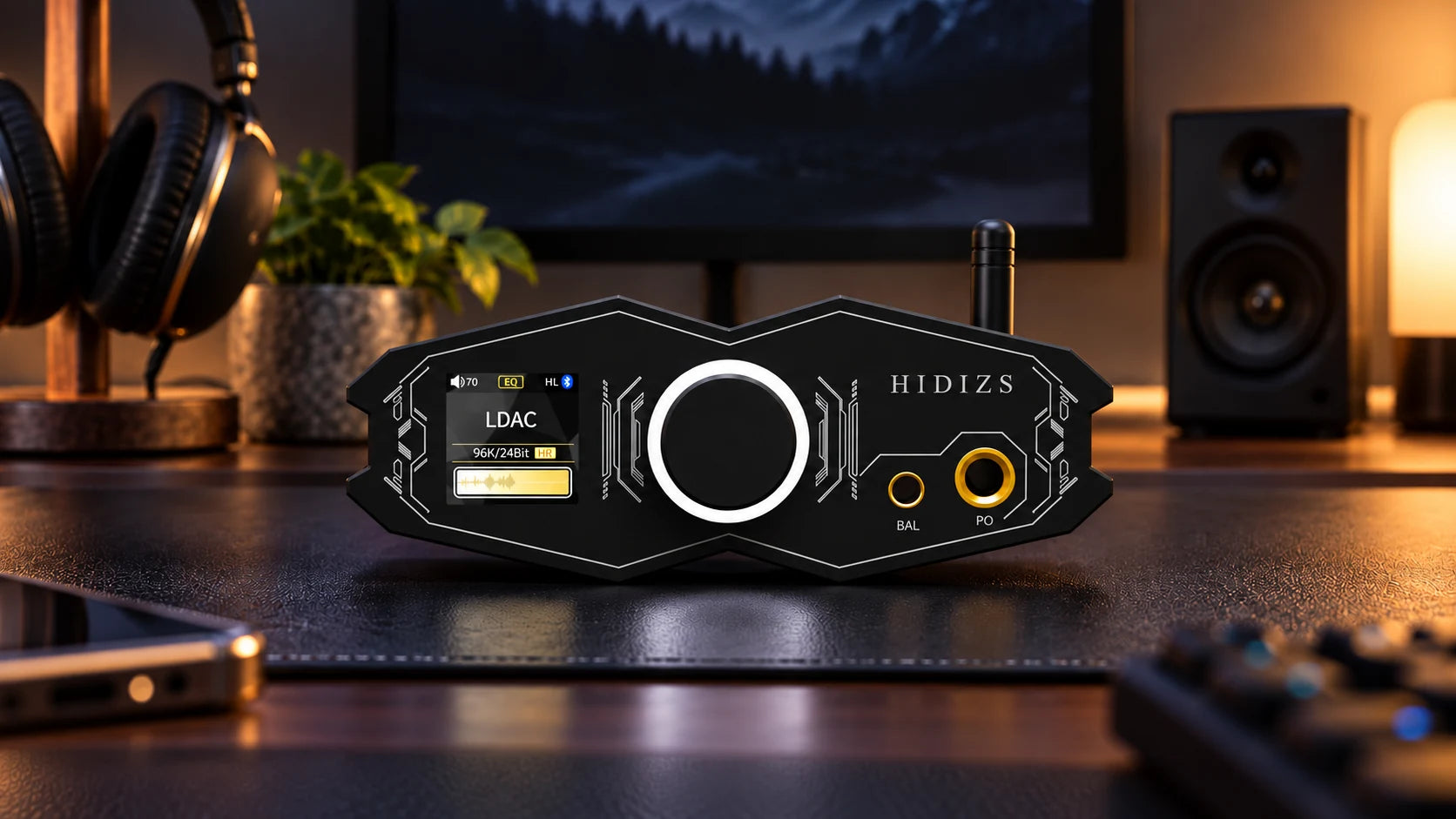
HIDIZS MX1 front display and illuminated control dial in a desktop setting
A clear display. Direct physical control.

10 · Aluminum-Alloy Design

Compact footprint. Distinctive presence.

Angular, multi-faceted geometry meets a bold central dial, clear display and contrasting headphone connectors—bringing a versatile audio hub within easy reach on your desk.
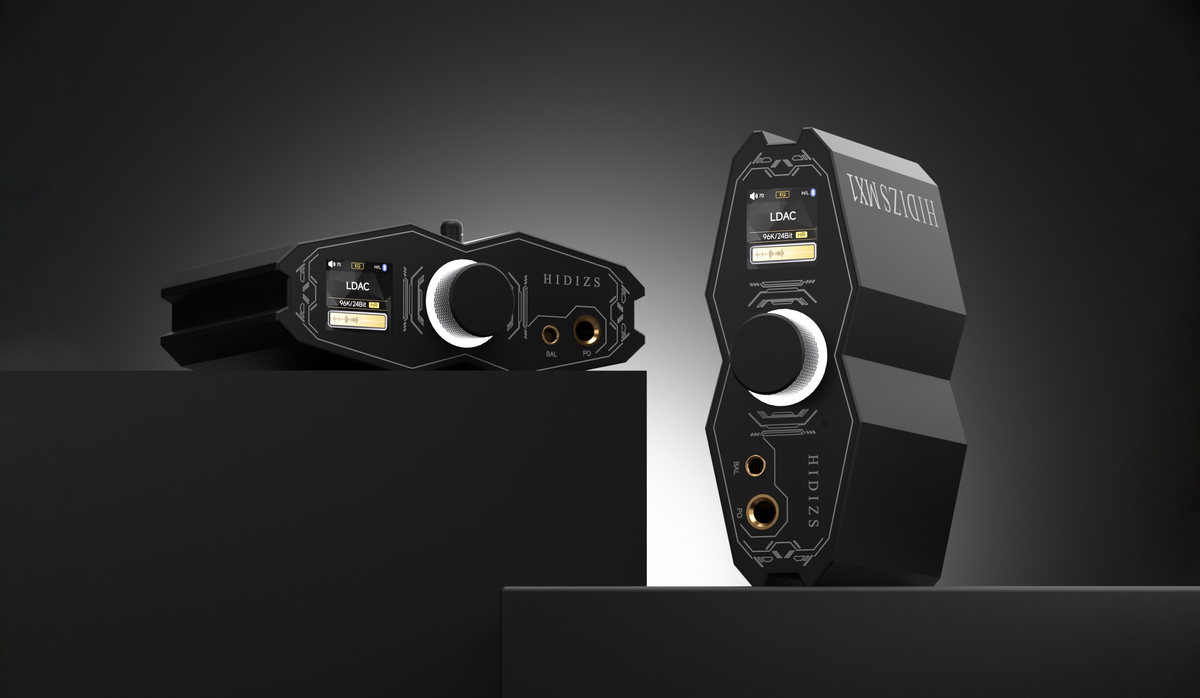
85 × 134 × 49.5 mm Overall dimensions
1.3-inch IPS display
Aluminum alloy Chassis material
A cleaner, lighter and more modern expression while still retaining a solid sense of quality.
11 · Connections at a Glance

Every port has
a purpose.

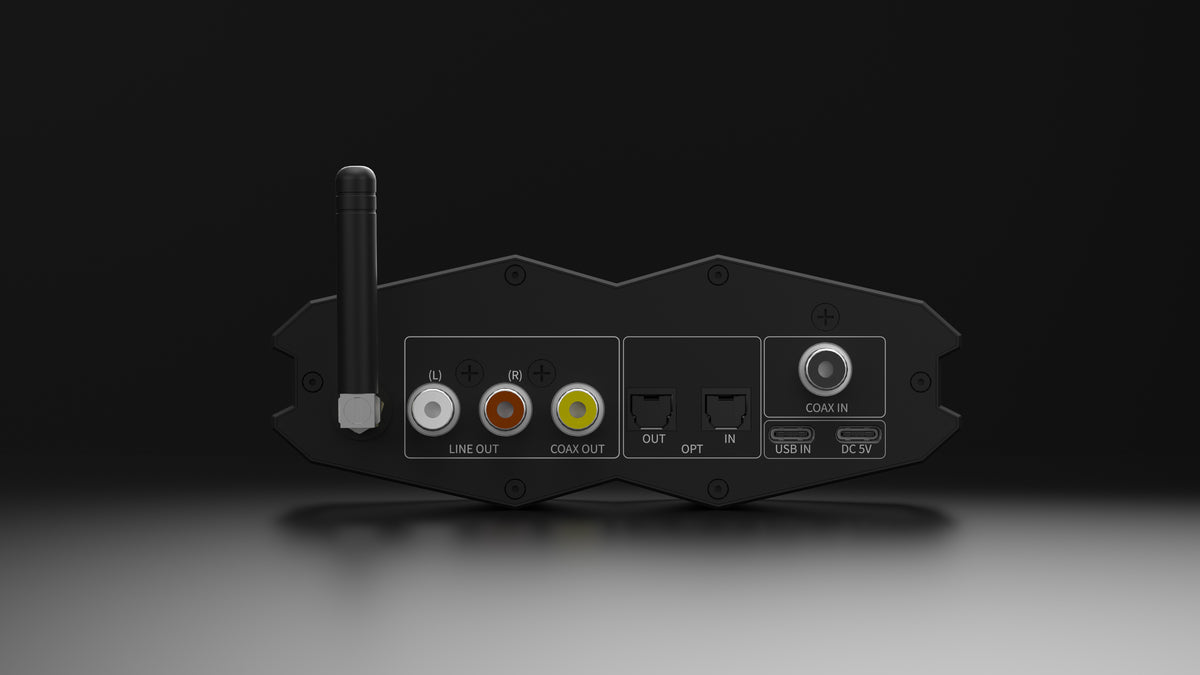
Separate USB data and power connections, clear headphone choices, analog pre-out and digital forwarding keep the system easier to understand.

HIDIZS MX1 front panel and headphone output connections

Front Panel

Display, control dial and headphone connections for everyday listening.
1.3-inch IPS Display4.4mm Balanced6.35mm Single-EndedControl Dial
HIDIZS MX1 rear panel and digital connections

Rear Panel

Digital inputs, analog pre-out, digital outputs and separate USB-C power.

USB Audio InOptical In / OutCoaxial In / OutRCA Variable Pre-OutUSB-C DC 5V/2A
12 · Technical Details

The details that
make the difference.

MX1 brings multiple digital inputs, headphone amplification, analog and digital outputs, and everyday controls into one compact desktop hub.

Product & Wireless

Product typeCompact Wireless Digital Hi-Fi Hub / Desktop Bluetooth DAC & Headphone Amplifier
DAC chipESS SABRE ES9020Q
Bluetooth platformQualcomm QCC3095 · Bluetooth 5.4
Bluetooth codecsLDAC, aptX HD, aptX Low Latency, aptX, AAC, SBC
Bluetooth audioUp to 24-bit / 96kHz
MultipointUp to two devices; remembers two paired devices
ReconnectApproximately 5 seconds to last connected device
Wireless rangeUp to 30m unobstructed; approximately 10m indoors through walls

Digital Audio

USB audio inputPCM up to 24-bit / 48kHz · UAC 2.0 · driverless on Windows 7 and later · DSD not supported
Optical inputPCM up to 24-bit / 96kHz
Coaxial inputPCM up to 24-bit / 192kHz
Optical outputPCM up to 24-bit / 96kHz
Coaxial outputPCM up to 24-bit / 192kHz
Digital routingOutput support depends on the selected input route and firmware configuration

Headphone Outputs

Amplifier architectureDual RT6863D
4.4mm balanced523mW @ 32Ω · 4.091Vrms · SNR 124dB · THD+N 0.0012% · Noise 3.4μV · 0.6Ω output impedance
6.35mm single-ended130mW @ 32Ω · 2.04Vrms · SNR 120dB · THD+N 0.0012% · Noise 3.9μV · 0.3Ω output impedance
Recommended impedance8–100Ω for both headphone outputs
GainLow / High

Analog Output, EQ & Display

RCA Pre-OutVariable output level · 0–2.108Vrms · THD+N 0.0009% · SNR 120dB
RCA measurementCoaxial input signal measured at maximum volume
EQ presetsCountry, Jazz, Classical, Pop, Blues; USB and Bluetooth inputs only
EQ customisationNo user-created presets
Display1.3-inch 240 × 240 IPS colour display · non-touch
Display controlAutomatic orientation · five brightness levels · remembers input, volume, gain, output mode, EQ and brightness

Connections & Power

Digital inputsBluetooth 5.4 · USB Audio · Optical In · Coaxial In
Headphone outputs4.4mm balanced · 6.35mm single-ended
Analog outputRCA Variable Pre-Out
Digital outputsOptical Out · Coaxial Out
PowerUSB-C DC 5V/2A; computer USB power supported
USB connectionsUSB data input and USB-C power input are separate

Physical

ChassisAluminum alloy
Dimensions85 × 134 × 49.5mm
In the boxMX1 · USB-C cable · IR remote · Bluetooth antenna · 6.35mm-to-3.5mm adapter · user manual · after-sales service card

Output-power measurements were taken at a 32Ω load using USB input at 44.1kHz. RCA output measurements use a coaxial input signal at maximum volume. Bluetooth, USB, optical, and coaxial inputs support routing to headphone, RCA, optical, and coaxial outputs, subject to supported audio formats.
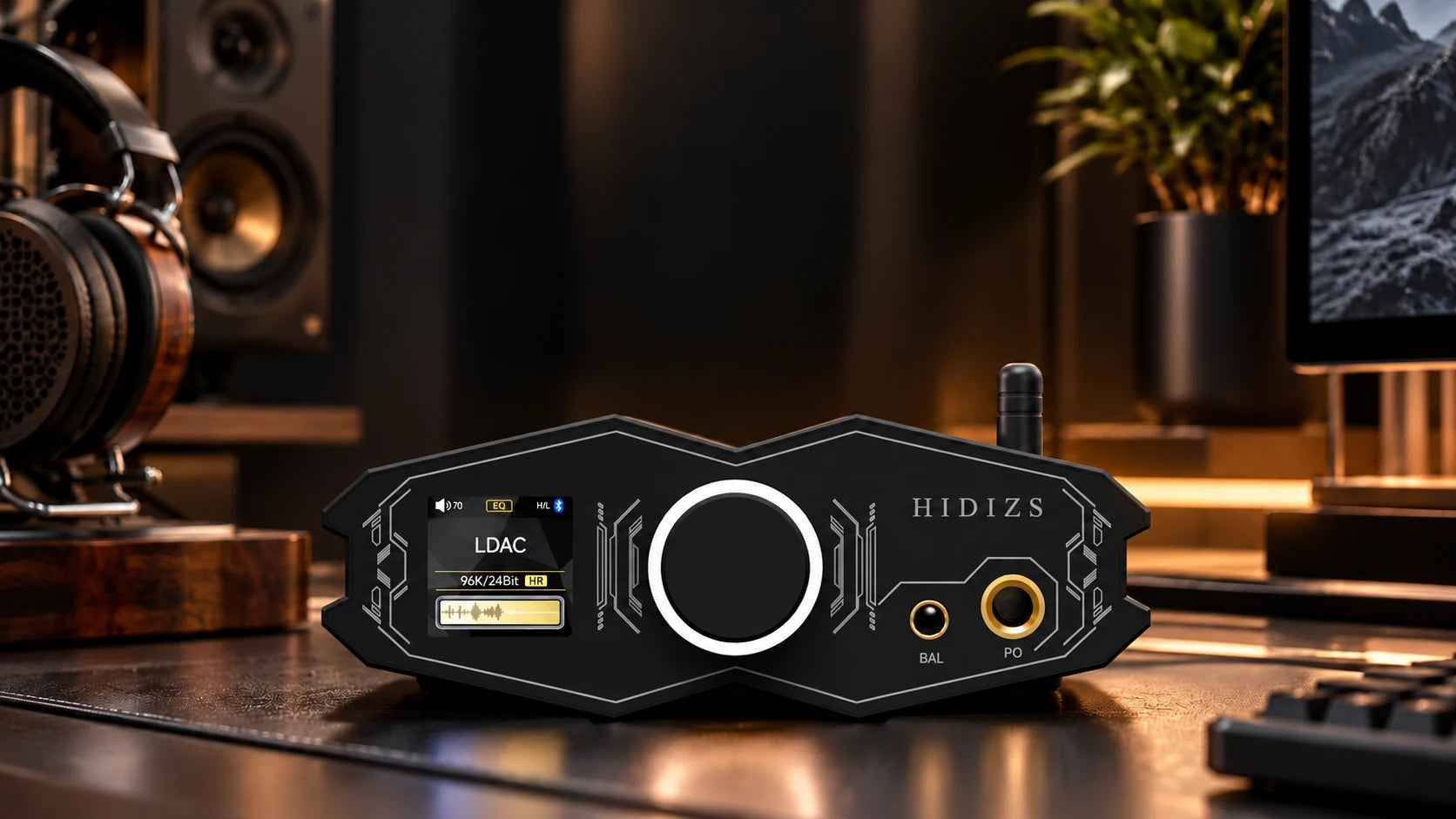
HIDIZS MX1 front view in a desktop listening environment
13 · What’s in the Box

Everything you need
to get connected.

A focused set of essentials for getting your desktop audio setup connected.

01HIDIZS MX1
02USB-C cable
03Infrared remote control
04Bluetooth antenna
056.35mm-to-3.5mm adapter
06User manual
07After-sales service card
14 · HIDIZS MX1

One Hub.
More Ways
to Listen.

From phones and computers to headphones, powered speakers and compatible digital audio components, MX1 makes it easier to connect the parts of your desktop system—and gives you more ways to listen.

Explore the Technical Details ↗